



Description
Download Android L Launcher Theme – Android L launcher, Android L theme, material design launcher, Google L theme, Android L interface, Android L customization, Android L icon pack, Android L wallpaper, Android L dock, Android L UI, Android L design, Android L launcher app, Android L aesthetic, Android L look, Android L style, Android L icon set, Android L theme app
Overview
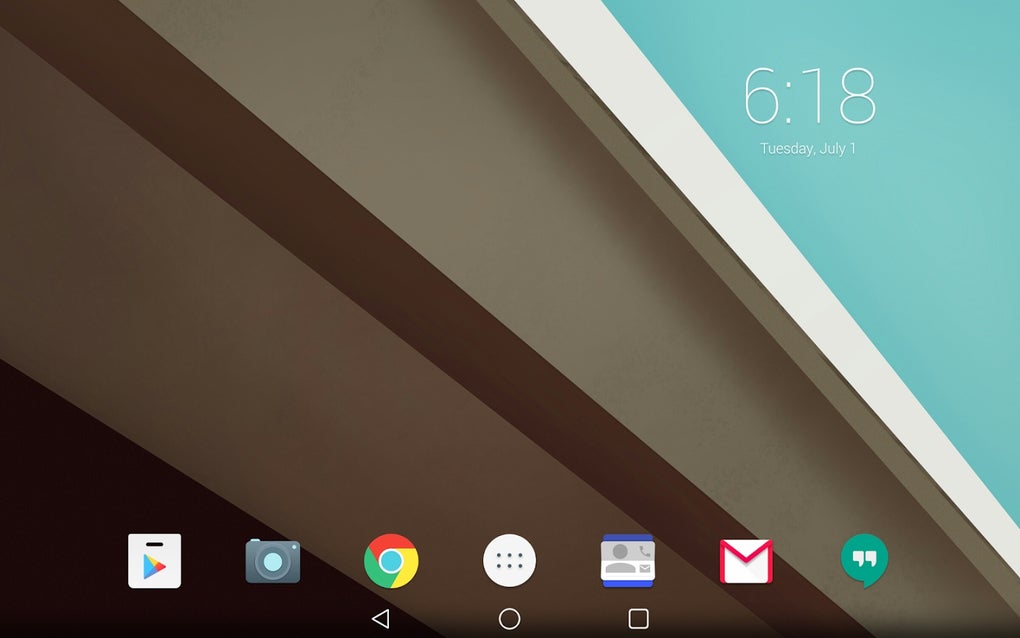
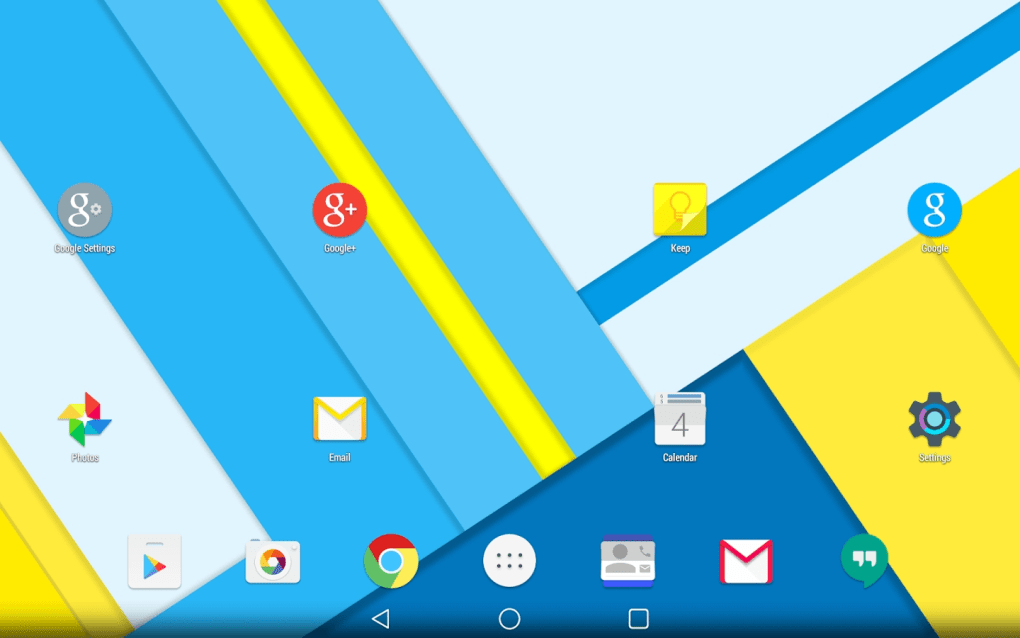
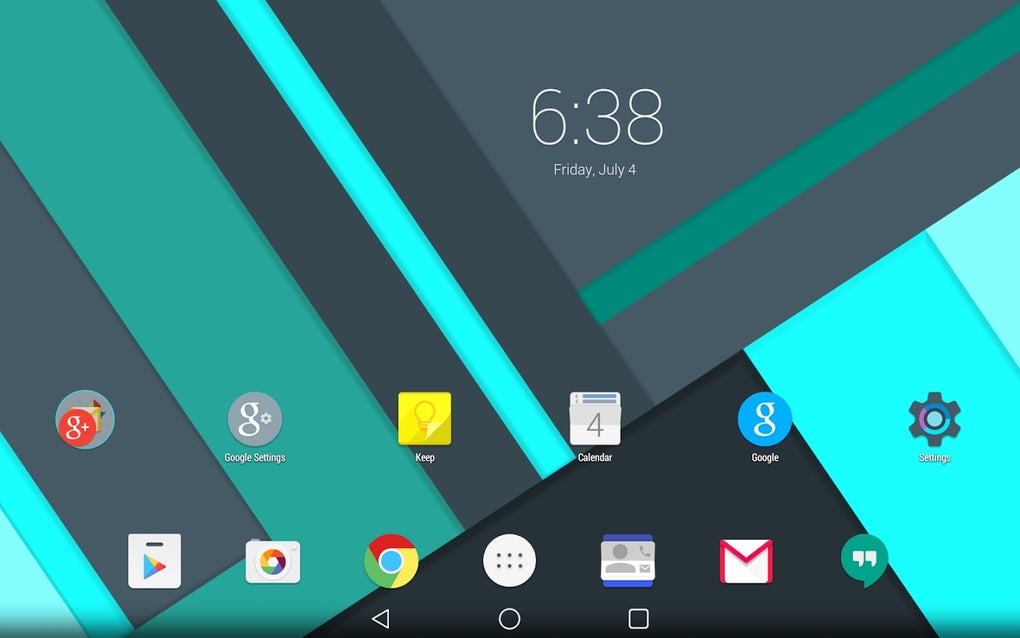
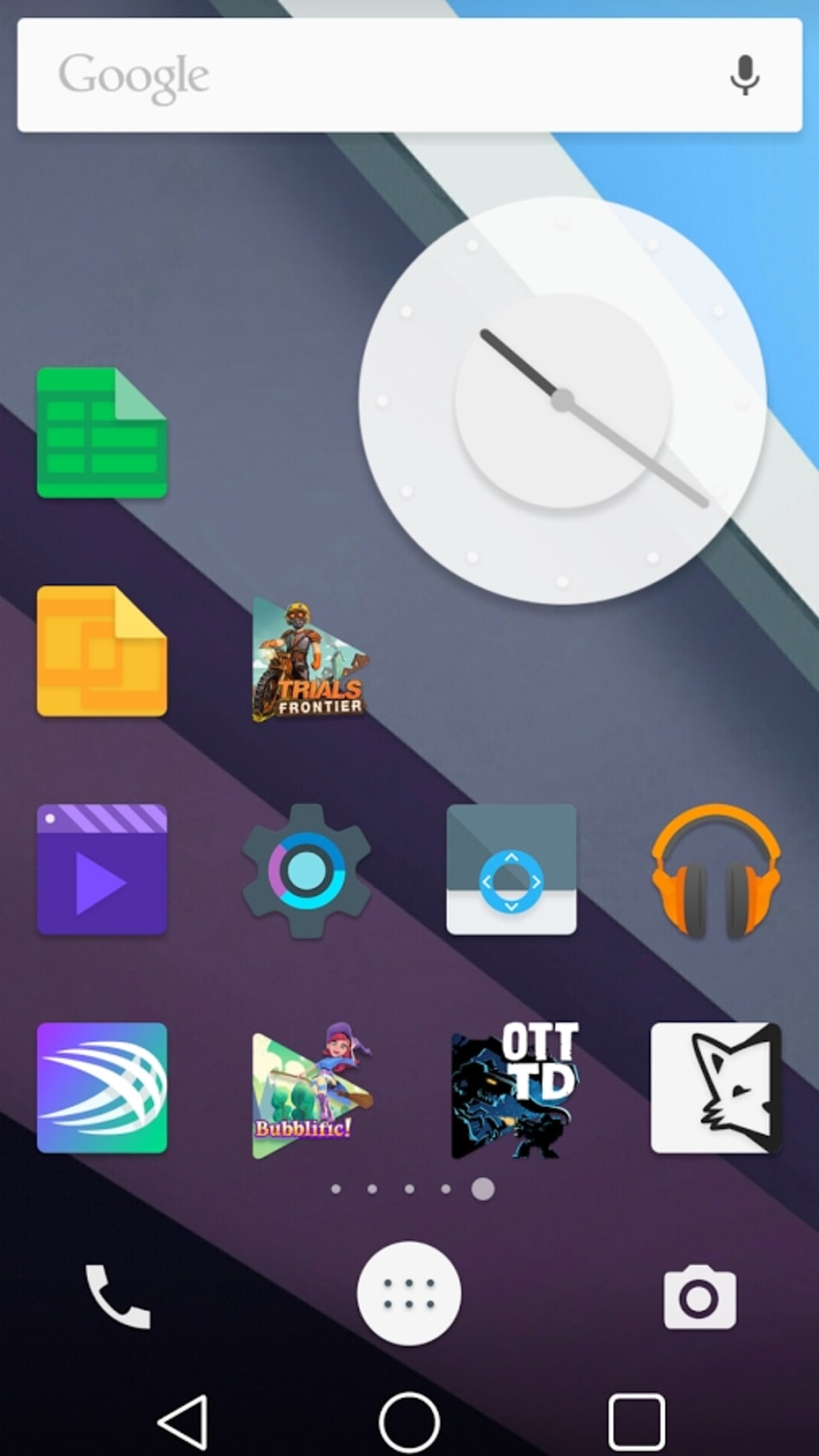
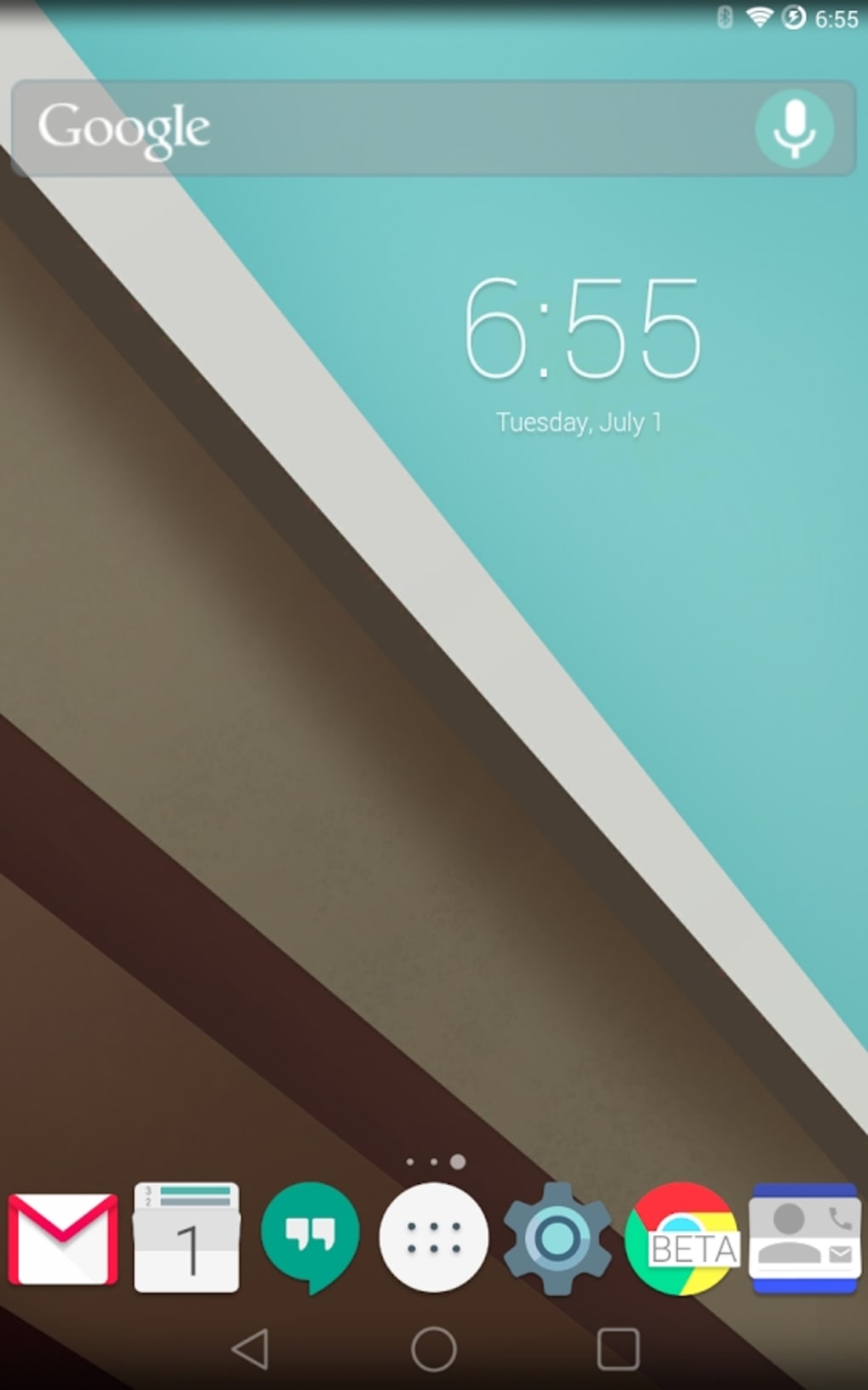
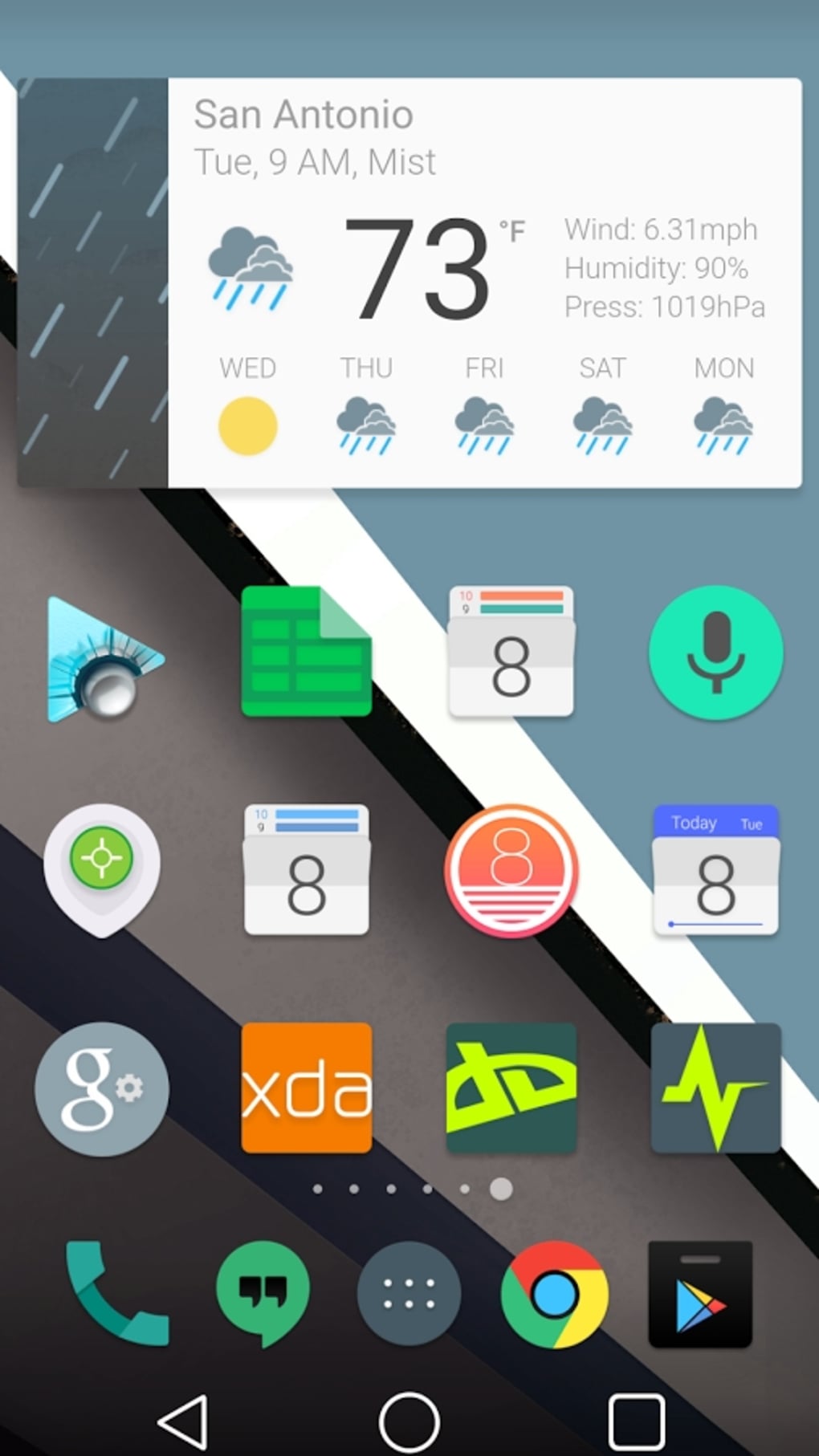
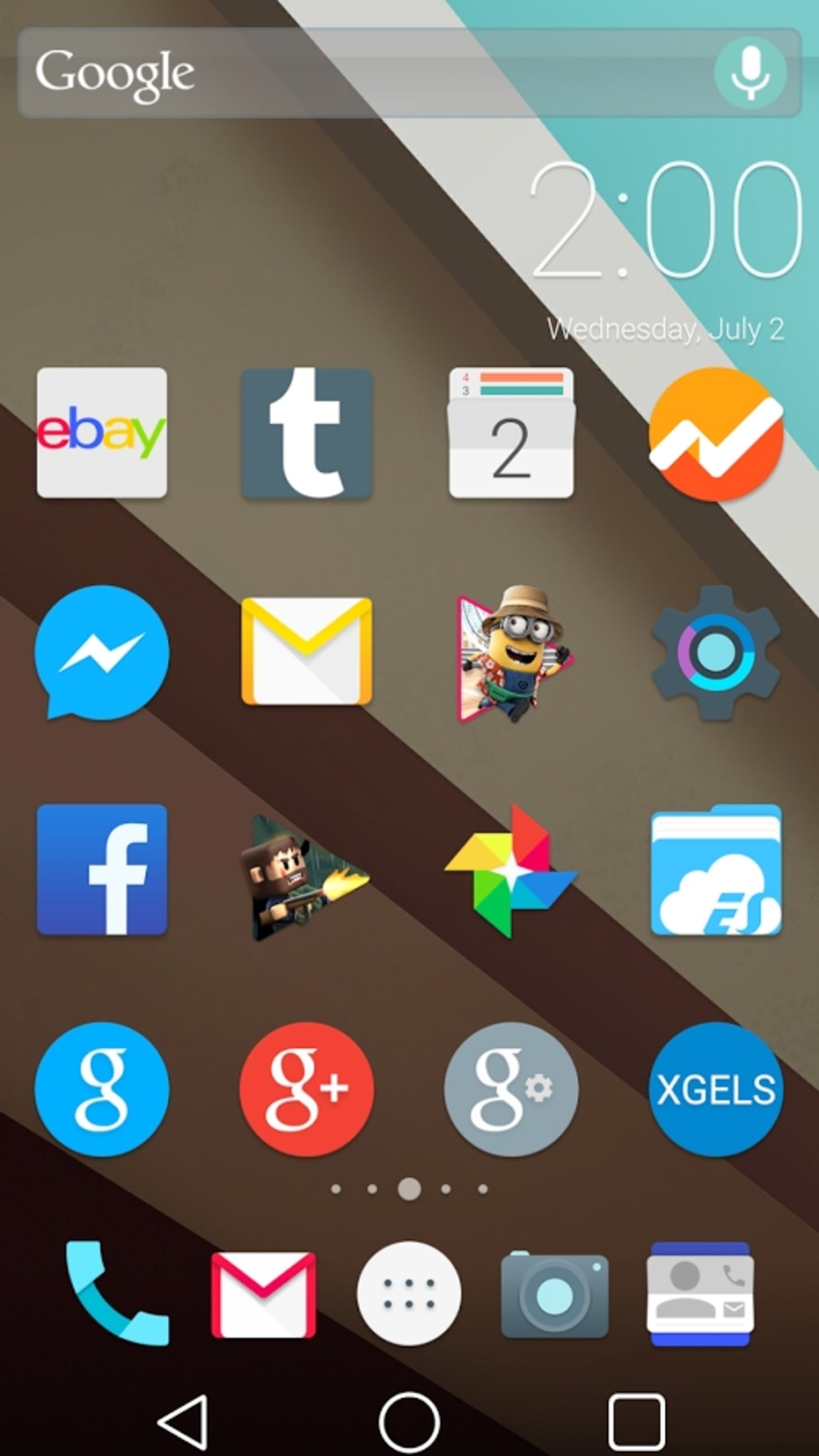
The Android L Launcher Theme offers users a way to experience the visual redesign introduced with Google's Android 'L' operating system, even on devices that do not officially support it. Designed as a personalization tool, the theme brings core elements of Material Design—such as bold color palettes, depth through shadows, and responsive animations—into a desktop-like interface environment. It is particularly suited for Android users who want to preview or adopt the aesthetic evolution of Android without requiring system-level modifications.
The theme is ideal for enthusiasts, mobile UI designers, and casual users interested in modernizing their device’s look. It enables a temporary, non-invasive transformation of the home screen and launcher interface. By integrating stock-style icons, dynamic wallpapers, and customizable dock elements, it simulates the feel of a newer Android version. The developer did not provide additional background on the team, but the project is publicly hosted on GitHub, indicating transparency and community-driven development.
Real-world usage scenarios include personalizing a daily-use smartphone, testing visual design trends before a system update, or using the theme as a reference for design inspiration. It supports multiple launchers, making it adaptable across different Android environments. The theme is completely free and open-source, aligning with principles of accessibility and user freedom.
Key Features & Capabilities
- Material Design Aesthetic – Implements core visual principles of Android L, including flat yet dimensional layouts, consistent spacing, and color-based hierarchy.
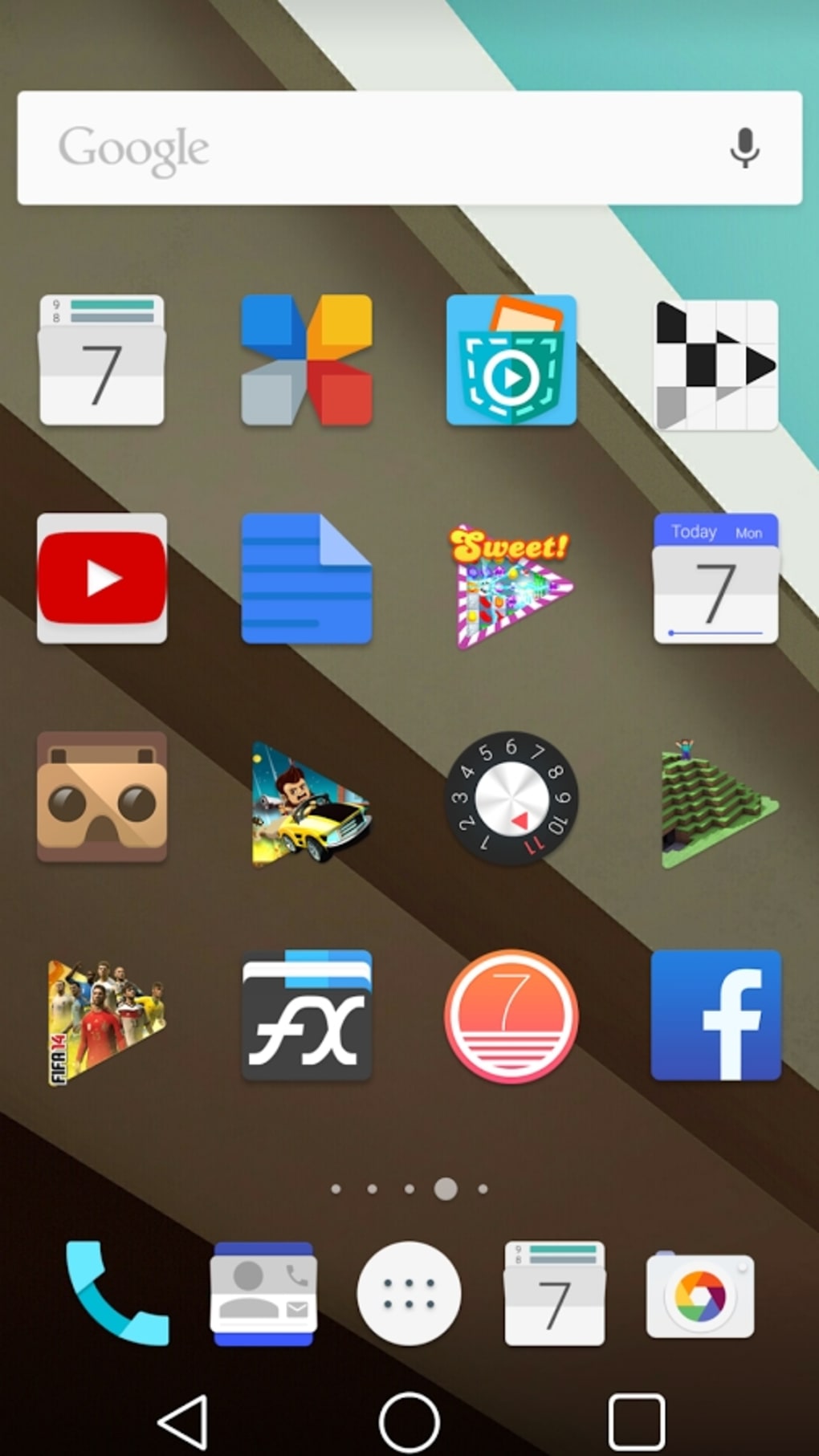
- Custom Icon Pack – Includes a large set of stock-style icons designed with the Android L visual language, offering a cohesive look across apps.
- Cloud-Based Wallpapers – Provides access to a curated selection of high-quality wallpapers stored online, allowing users to refresh their background without local storage strain.
- Widget Integration – Supports the use of existing widgets, enabling functional personalization alongside visual upgrades.
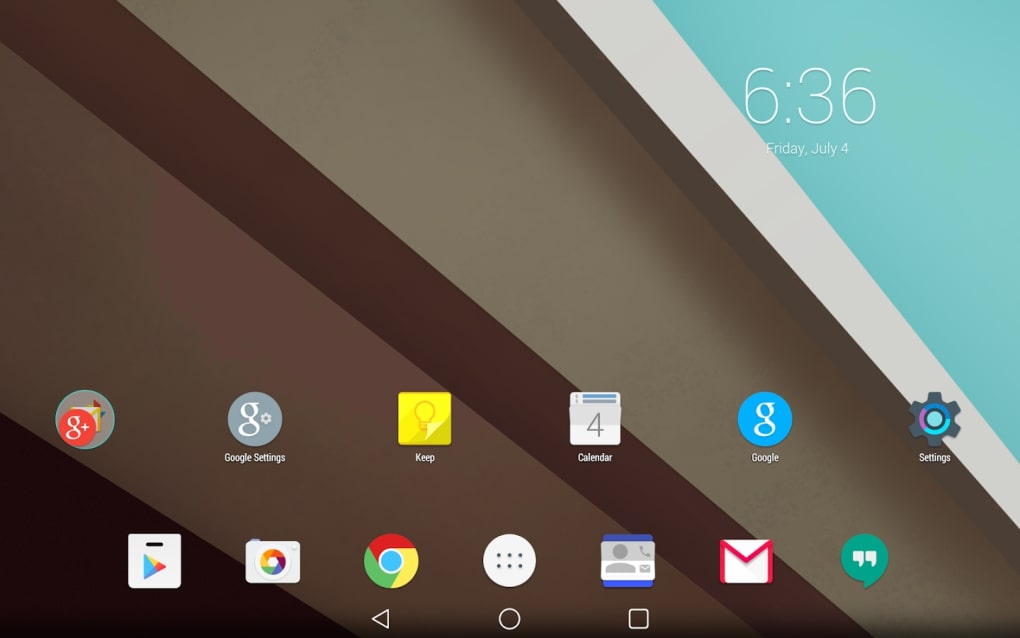
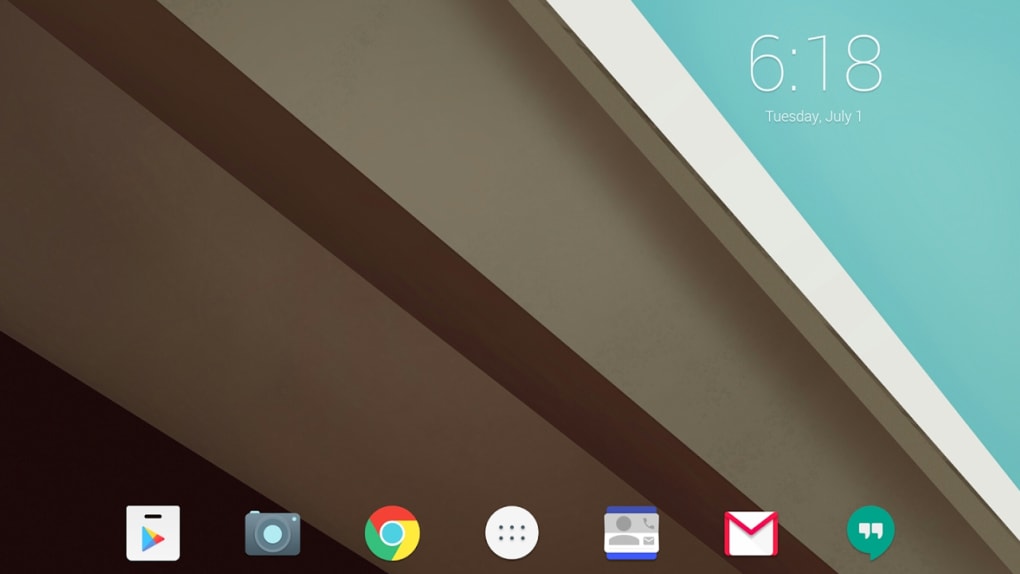
- Custom Dock Bar Icons – Allows users to replace default dock icons with themed alternatives for a complete interface overhaul.
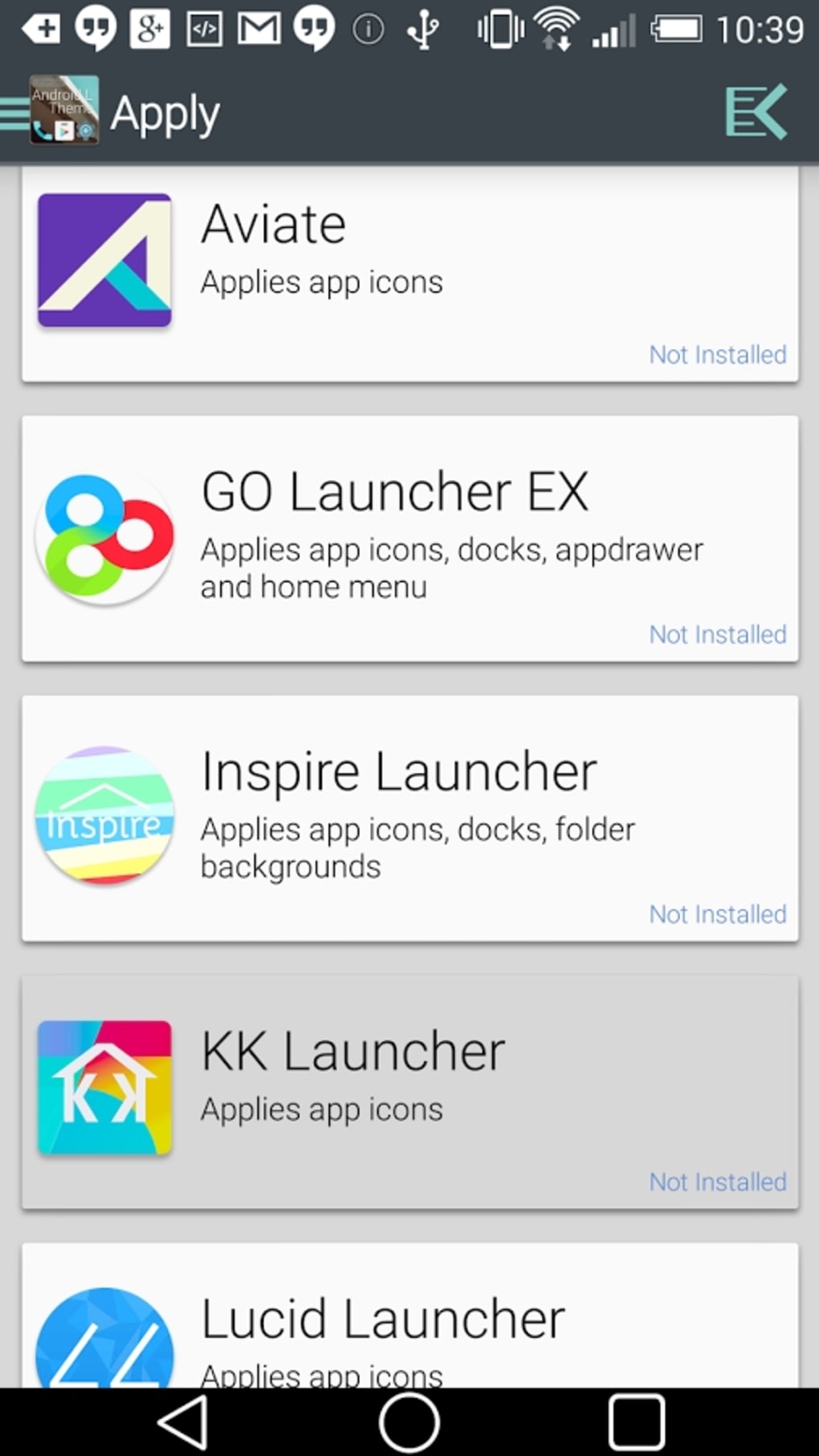
- Multi-Launcher Compatibility – Works with popular launchers such as Nova, Apex, GO, and Holo, ensuring broad usability across different Android setups.
These features collectively allow users to simulate a modern Android interface experience. For example, a user can apply the theme to their Nova Launcher to instantly refresh their home screen with Android L’s signature depth and color transitions. The open-source nature means developers can inspect, modify, or contribute to the design assets, fostering innovation and transparency.
User Interface, Workflow & Performance
The user interface of the Android L Launcher Theme is designed to be intuitive and minimal, focusing on seamless integration with existing launcher environments. Navigation is handled through a simple settings panel that allows users to select icons, wallpapers, and dock elements without requiring advanced technical knowledge. The workflow is streamlined: users choose a feature, apply it, and see immediate visual feedback.
Performance is optimized for lightweight operation, with the theme relying on the host launcher’s rendering engine. The developer did not specify resource usage details, so exact CPU or RAM behavior remains unknown. However, based on general software behavior patterns, the theme is expected to have low overhead, especially since it does not alter system-level components. Stability is likely maintained due to its reliance on compatible third-party launchers and its open-source, community-reviewed codebase.
Since the theme does not require root access, it avoids potential system instability. Users can enable or disable the theme at any time without affecting device functionality. The experience is consistent across devices with supported launchers, though actual responsiveness may vary depending on hardware performance and launcher configuration.
Compatibility & System Requirements
The Android L Launcher Theme is compatible with Android operating systems, though specific version ranges were not provided. It is designed to work with a variety of third-party launchers, including Nova, Apex, GO, and Holo, indicating broad launcher support. The installation size is 25MB, which is relatively modest for a theme package containing icons and assets.
Exact system requirements were not listed, so users should ensure their device runs a stable version of Android and has a compatible launcher installed. The developer did not specify minimum hardware requirements, such as RAM or processor type. Compatibility with older Android versions is possible but not confirmed. Users should verify launcher compatibility before installation.
Pros and Cons
Pros
- Free and open-source software with transparent development
- Offers a full Android L aesthetic without requiring root access
- Compatible with multiple popular launchers (Nova, Apex, GO, Holo)
- Includes a large set of Material Design-style icons and cloud wallpapers
- Easy to apply and remove, with no system impact
- Supports customization of dock bar icons and widgets
Cons
- No official support for Android system updates or newer OS versions
- Performance may vary depending on the host launcher and device hardware
- Cloud-based wallpapers require internet access for full functionality
- Limited to visual customization—no functional changes to the OS
- Developer information is minimal; no official support channels
FAQ Section
Is the Android L Launcher Theme safe to use?
Yes, the theme is safe to use as it does not modify system files or require root access. It operates entirely within the launcher environment and is open-source, allowing for public code review.
Does the theme require a specific launcher to work?
Yes, the theme is designed to work with compatible third-party launchers such as Nova, Apex, GO, and Holo. It is not a standalone launcher and cannot be used without one.
Can I update the theme after installation?
Yes, updates are available through the GitHub repository. Users can download new versions directly and apply them to their launcher as needed.
Is the theme available for iOS or Windows?
No, the Android L Launcher Theme is exclusively for Android devices. It is not compatible with iOS, Windows, or other operating systems.
Do I need to pay to use this theme?
No, the theme is completely free and open-source. There are no hidden fees or subscription models.
Final Thoughts
The Android L Launcher Theme stands out as a lightweight, accessible tool for users eager to explore the visual evolution of Android’s design language. While it does not alter the underlying operating system, it delivers a convincing simulation of Android L’s Material Design principles through icons, wallpapers, and interface elements. Its compatibility with major launchers and open-source nature make it a trusted choice for personalization.
It is best suited for Android enthusiasts, design students, and users who value aesthetics without compromising device stability. The lack of official support or system-level integration is a minor limitation, but the theme’s simplicity and safety outweigh these concerns.
For anyone looking to refresh their Android device with a modern, Google-inspired interface, this theme offers a compelling solution. Download Android L Launcher Theme now.
Guides & Tutorials for Android L Launcher Theme
How to install Android L Launcher Theme
- Click the Preview / Download button above.
- Once redirected, accept the terms and click Install.
- Wait for the Android L Launcher Theme download to finish on your device.
How to use Android L Launcher Theme
This software is primarily used for its core features described above. Open the app after installation to explore its capabilities.
User Reviews for Android L Launcher Theme 0
No reviews found





